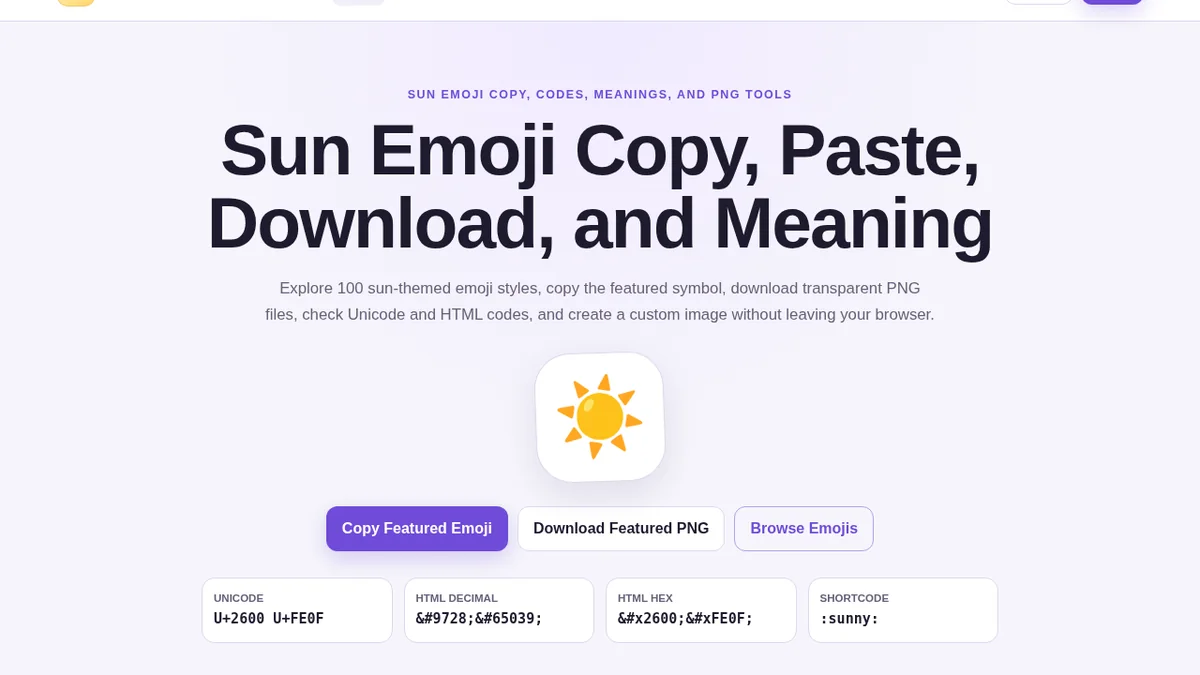
Create and use a Sun Emoji transparent PNG for slides, thumbnails, posters, profile graphics, websites, and personal designs. This article explains practical context, platform behavior, and reliable ways to use the symbol clearly.
Why use a transparent PNG
A Unicode emoji is ideal for editable text, but a PNG gives fixed dimensions and placement. Transparency allows the image to sit on a slide, thumbnail, poster, card, or website section without a visible rectangular background.
The generator on this website creates the file locally through Canvas. It does not upload the image or call an external API.
Recommended export settings
Choose a canvas size that is larger than the final display size. A 512-pixel or 1024-pixel square gives room for clean scaling. Adjust emoji size and padding so rays are not clipped. Keep transparency enabled unless the design requires a colored badge.
A shadow can improve separation on a light background, while a border can help on complex photography. Use both sparingly.
Slides and documents
Transparent PNG files are useful when a presentation tool renders emoji differently on another computer. Inserting an image preserves the appearance created on your device. Use it as a supporting visual, not as the only label for important information.
For printed documents, verify resolution at the final physical size. A large canvas downscales better than a small image enlarged beyond its original dimensions.
Rights and platform artwork
Emoji characters are standardized, but vendor artwork can be protected. The Canvas uses the emoji font installed on the device, which means the downloaded look may resemble Apple, Google, Microsoft, Samsung, or another provider.
Review the relevant provider terms for prominent commercial use. For a fully original brand icon, commission custom artwork instead of relying on platform emoji graphics.
File naming and organization
Use a descriptive filename such as sun-emoji-transparent.png, sunny-weather-icon.png, or morning-sun-badge.png. Clear names make files easier to locate and help content teams understand their purpose. Keep an original large export and create smaller copies for specific layouts rather than repeatedly enlarging a small file.
Store project files in a dedicated folder and record the device used to generate the artwork when platform appearance matters. A PNG created on one operating system may look different from one created elsewhere.
Performance and accessibility
PNG files can be heavier than Unicode text. Use the character directly when the design does not require fixed artwork, and reserve images for layouts where size, rotation, padding, or background control is essential. Compress final production images without introducing visible artifacts.
Provide alternative text when the image communicates meaning. If it is purely decorative and nearby text already conveys the message, mark it appropriately so assistive technology does not repeat unnecessary information.
Final takeaway
The Sun Emoji is most effective when its meaning is supported by clear words and appropriate context. Use Unicode for editable text, use the copy controls for convenience, and generate a transparent PNG only when a fixed image is more suitable than live text.