Use reliable Sun Emoji copy and paste methods on phones, computers, documents, social platforms, and websites. This article explains practical context, platform behavior, and reliable ways to use the symbol clearly.
Fastest way to copy the symbol
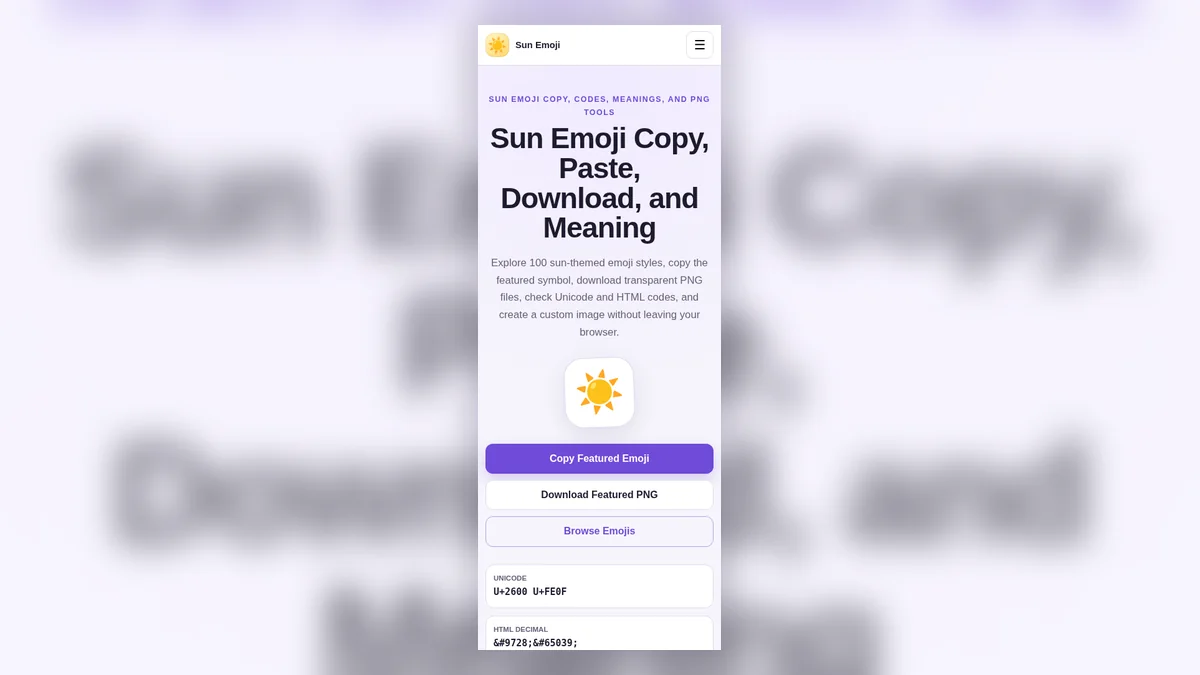
The simplest method is to use a Copy Emoji button on this website. It places the character on the clipboard without selecting text manually. You can then paste it into a message, document, profile, caption, spreadsheet, design note, or web editor. The website also includes a fallback method for local file mode, where browser clipboard permissions can behave differently.
After pasting, check how the target app renders the character. Some apps use a colorful emoji font, while others show a black text symbol. Both forms represent the same core Unicode character, although an emoji variation selector can influence presentation.
Copy and paste on phones
On iPhone or Android, tap the Copy Emoji button, move to the destination app, press and hold in the text field, and choose Paste. Mobile browsers may show a brief permission prompt. If direct clipboard access is unavailable, the fallback copy routine still attempts to place the character on the clipboard.
For repeated use, consider saving the symbol in a text replacement shortcut. Choose a memorable trigger that will not appear in normal typing. This can be useful for creators, weather pages, travel accounts, or anyone who uses the same decorative pattern frequently.
Copy and paste on computers
On Windows, macOS, Linux, and ChromeOS, click Copy Emoji and use the standard paste shortcut in the target application. Most modern browsers and editors preserve the Unicode character. Older software may show an empty box when its font lacks support.
Do not copy an image when you need editable text. A Unicode emoji remains searchable, selectable, and usually smaller than an image. Use a PNG only when you need fixed visual placement, transparent backgrounds, rotation, or a specific graphic size.
Copying code formats
Developers may need the Unicode notation, HTML decimal entity, or HTML hexadecimal entity instead of the visible symbol. The code section on the homepage provides separate copy controls for each format. In HTML, either the literal character or a valid entity can work if the page uses UTF-8.
The optional variation selector requests emoji-style presentation. Without it, some systems display the sun as a monochrome text symbol. Test the actual browser and font stack used by your project rather than assuming every platform will render the same artwork.
Troubleshooting paste problems
If paste produces a square box, update the operating system or choose a font with emoji support. If the character appears black, the app may be using text presentation. If clipboard permission is blocked, select the symbol manually or use the browser’s site permissions.
When a platform removes the character from a username, it may restrict symbols in account names. Try the display-name or bio field instead, or use a plain-text sun symbol that the platform accepts.
Keeping pasted text reliable
Paste the character into the final platform before publishing and check spacing, line wrapping, and font appearance. Some editors convert emoji into an image, while others keep it as text. Copying through several apps can also remove the variation selector, so the same character may switch from colorful artwork to a black symbol.
When preparing reusable templates, store the character in a UTF-8 text file or a trusted note. Avoid screenshots when the goal is editable text, because screenshots are larger, less accessible, and harder to search.
Privacy and browser permissions
Clipboard access is controlled by the browser. A website may be allowed to write copied text only after a user action such as clicking a button. Local file mode can use a legacy fallback when the modern Clipboard API is unavailable. The copied character itself is simple text; the website does not need an account or remote clipboard service.
If copying is blocked, review site permissions, use manual selection, or open the operating system emoji picker. Do not install unknown clipboard extensions for a task that can be completed with built-in tools.
Final takeaway
The Sun Emoji is most effective when its meaning is supported by clear words and appropriate context. Use Unicode for editable text, use the copy controls for convenience, and generate a transparent PNG only when a fixed image is more suitable than live text.